
What Is Large Format Digital Printing? A Beginner’s Guide
If you want your project to look sharp, last well, and make maximum impact, it helps to understand the essentials. Here’s a clear, practical guide to how large format printing works, the tech behind it, and what really matters when you’re preparing artwork for print.
What Is Large Format Printing?
Large format digital printing generally refers to print jobs that are too big for standard presses, or projects produced in short runs. In New Zealand, the industry broadly groups print width into three categories:
- Wide Format (450 mm to 1.6 m): Stickers, posters, wall murals, trade show display panels, retail graphics, vehicle wraps.
- Super-wide Format (1.6 m to 3.2 m): Banners, lightboxes, billboards, fabric walls, event backdrops and large display graphics.
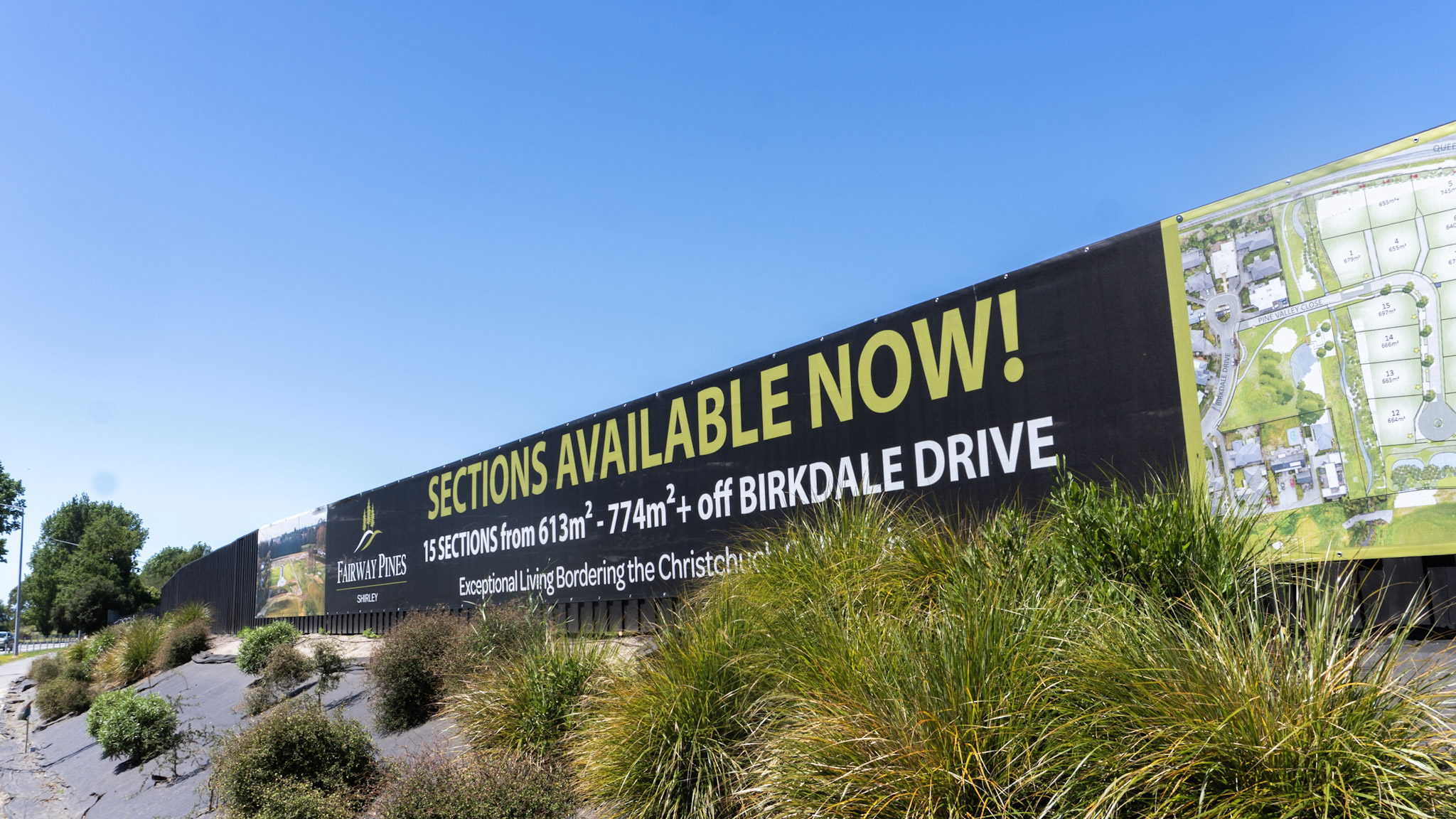
- Grand Format (3.2 m to 5 m): Building wraps, stadium signage, classic roadside billboards and oversized outdoor displays.
Unlike offset or screen printing, which only become economical at high volume, large format is built for fast turnarounds, short runs, custom shapes, and projects where every job is different. Perfect for seasonal campaigns, one-off events, and brand installations.
How Do Large Format Printers Work
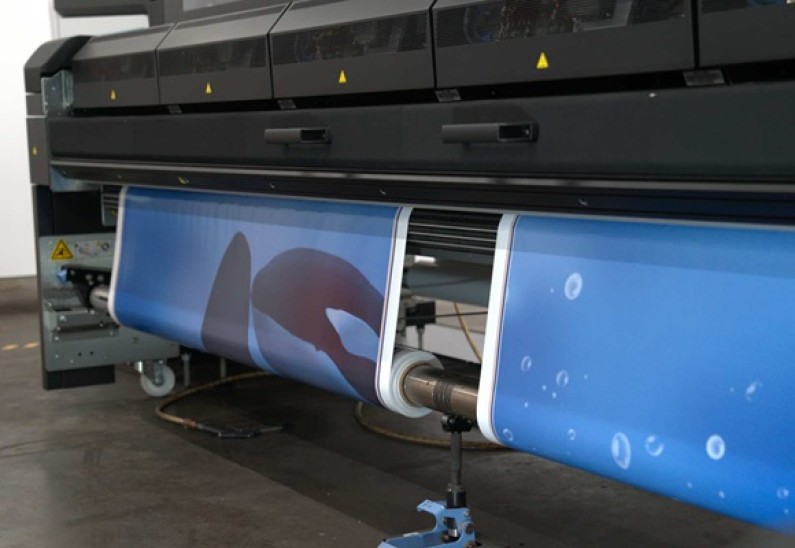
Large format printers are highly precise (large) digital inkjet machines designed to print big, print fast, and print onto all kinds of materials. In NZ you’ll commonly see four main printing technologies:
- UV-curable printing
- Latex printing
- Eco-solvent printing
- Dye sublimation (fabric printing)
Each technology has its strengths depending on the material, environment and durability required.
What Is UV-Curable Printing?
UV printing is one of the most versatile technologies in large format production.
Key Benefits Of UV Printing
- Prints onto almost anything – rigid or flexible
- Scratch-resistant and weather-resistant
- Vivid colour and crisp detail
- Low VOC once cured
UV Printing Is Great For: ACM panels, corflute, foam PVC, acrylic, glass, wood, banner stock and synthetic papers.
What Is Latex Printing?
Latex printing uses water-based inks containing latex polymers. The inks dry inside the printer, so prints come off ready to finish straight away.
Key Benefits Of Latex Printing
- Very low VOC - safe for indoor spaces
- Excellent versatility across many substrates
- Strong colour, high resolution and smooth gradients
- Durable for both indoor and outdoor use
- Fast production because the prints are dry and ready to use immediately
Latex Printing Is Ideal For: Wall murals, corflute, stickers, glass, retail signage, vehicle wraps and backlit displays.
What Is Eco-Solvent Printing?
Eco-solvent printing uses mild solvent-based inks designed to penetrate the material surface, giving high durability and strong colour adhesion.
Key Benefits Of Eco-Solvent Printing
- Exceptional durability on vinyl
- Ideal for vehicle wraps and outdoor signage
- Deep, rich colour and smooth gradients
- Long-lasting performance in NZ conditions
Eco Solvent Printing Is Great For: Vehicle graphics, outdoor banners, and long-term signage.
What Is Dye-Sublimation Printing?
Dye sub is used mainly for textile-based signage and soft displays. The design is printed onto transfer paper (or directly to coated fabric) with water-based dyes. Heat turns the dye into gas, which permanently infuses into the fibres.
Key Benefits Of Dye Sublimation
- Vibrant colours and a soft, natural feel
- Print becomes part of the fabric
- Washable, lightweight and crease-resistant
- Great longevity for indoor and event use
Dye Sub Printing Is Great For: Tension fabric displays, expo stands, flags, event walls and theatrical backdrops.
Mastering Ideal File Formats And Resolutions
Even the best printer can’t fix a poor-quality file. Here’s what matters most when preparing artwork for large format production.
Raster vs Vector - The Foundation Of Scale
There are two fundamental image types used in large format printers Vector and Raster.
- Vector: Can be scaled infinitely without losing quality. Defined by mathematical equations, points, and paths. Best used for Logos, Text, and Illustrations.
- Raster: Pixel-based images (photos, gradients, artwork). Resolution matters - low DPI will blur when enlarged
Insider Tip: Use vector files for all branding elements, and only use raster for photographic content.
The Best File Formats For Large Prints
Choosing the right container for your artwork is critical for ensuring consistency between your screen and the final print. Here are some recommendations:
- PDF: The best all-round format for large format print. Handles vector and raster, embeds fonts and keeps artwork consistent across devices.
- JPG (Joint Photographic Experts Group):A compressed raster format ideal for large photographic prints. When saved at high quality, it retains excellent detail while keeping file sizes manageable.
- EPS (Encapsulated PostScript): A reliable format for exporting logos and simple vector graphics.
- AI (Adobe Illustrator): Great for editing, but include all linked images and outline fonts before supplying.
Insider Tip: Always outline or embed fonts to avoid unexpected substitutions during production.
The DPI Myth - Resolution vs. Viewing Distance
Not every print needs 300 DPI. The required resolution depends entirely on how close viewers will stand to the finished graphic.
- Close-Up (0–1.5 metres): For example, Retail POS, Trade Show Displays, Museum Graphics. Recommended resolution = 150 to 200 DPI.
- Mid-Range (1.5–5 metres): For example, Indoor Banners, Vehicle Wraps, Building Signage at Street Level. Recommended resolution = 80 to 120 DPI.
- Distant (10+ metres): For example, Billboards, Building Wraps, Large Outdoor Banners. Recommended resolution = 30 to 60 DPI.
Insider Tip: When designing at scale (e.g. 10%), increase your working DPI by the same factor. 50 DPI final = 300 DPI at 10% size.
Key Factors That Define Final Print Quality
Once your artwork is sorted, three things determine how good the end product will look:
1. Substrate Selection
The material matters as much as the design. Different environments need different substrates:
- For Outdoor Banners: Heavy-duty PVC vinyl or mesh (for wind load reduction).
- For Trade Show Booths: Lightweight fabric or rigid boards.
- For Floor Graphics: Specialised vinyl with a slip-resistant laminate.
2. Colour Management And Accuracy
Screens use RGB. Printers output in CMYK. So your artwork will be converted during production, which can shift colours slightly - especially bright neons or deep blues outside the CMYK gamut.
If colour accuracy is critical, supply Pantone references so your printer has a defined target.
3. Finishing And Installation
Finishing is what makes the difference between a short-term print and a polished, long-lasting installation. Examples include:
- Lamination for UV, scratch and moisture protection
- Welded edges for banners under tension
- Eyelets for reinforced mounting
- Routing and trimming for clean edges and an accurate fit
A good finish dramatically improves the lifespan and look of your signage.
Ready To Go Big With Large Format Printing In NZ?
Large format digital printing is one of the most powerful ways to create impact for your brand. When the artwork is prepared correctly and paired with the right print technology, the results are outstanding.
If you’re planning a retail fitout, vehicle graphics, event branding or a full building wrap, talk to the team at Adgraphix. We specialise in high-quality large format printing designed to deliver clarity, colour and maximum impact.
Custom Banners in Christchurch and Across NZ: Materials, Sizes and Choosing What's Right for Your Job
.jpeg)
Choosing a Signage Company in Christchurch: Questions to Ask Before You Commit